
Skip to content
SideIncomeHQ
Tool deep dive

Google Keyword Planner: free data, advertiser's lens

Google Keyword Planner gives you keyword ideas and search volumes straight from Google, at $0. The catch is that it was built for advertisers: without ad spend you see wide ranges instead of numbers, and its competition score measures bidding, not ranking difficulty. This guide covers access, what each column really means, and how to work around the ranges.

Last updated

Price
Free
Needs
Ads account
Best at
Idea generation
Watch for
Bucketed ranges
At a glance
Free keyword data against the paid tiers
Keyword Planner: Free. Mangools: $29/mo. Semrush SEO: $139/moKeyword PlannerRanges, not exact volumesFreeMangoolsExact numbers, difficulty$29/moSemrush SEOFull database$139/mo
Bars drawn to scale, per month. Free tiers shown in amber.
Marketer writing a keyword research list by hand in a notebook beside blank index cards
Quick facts
Built for
Keyword ideas and search volume ranges, sourced from Google Ads
Price
Free, a Google Ads account is required, but you need not run ads
The catch
Without active ad spend you see broad ranges, not exact numbers
Best use
Building a first keyword list at zero cost, and sanity-checking paid tools
Limitation
Built for advertisers: it groups similar terms and hides zero-commercial ones

Anyone can just go and work their way through Google Search Console or go through the Google keyword planner and just export a bunch of stuff and slop it into a Google sheet. That is not where the skill is. The skill is how do you take this big keyword set and then figure out what the heck to actually work on.

Nathan Gotch, founder, Gotch SEO; co-founder, Rankability Source: The Complete SEO Keyword Research Masterclass for 2026
Why this matters

Reframes keyword research from list-building to filtering, the thesis of the page, said bluntly by someone who sells the service.

$0
Cost to use
An Ads account is required; running campaigns is not
10–100
A typical hidden range
Ranges widen as volume grows: 1K–10K, 10K–100K
12 months
Of trend data per keyword
Plus seasonality, which paid tools often flatten

Behavior checked August 2026. Google adjusts the Ads onboarding flow regularly; the route to the tool moves, the tool itself does not.

Getting in without launching a campaign

Keyword Planner search volume arrives in wide bands without active ad spend, which is the single most misread thing about Google Keyword Planner.

The most common reason people give up on Keyword Planner is the signup flow, which is built to funnel you into creating an ad campaign and entering billing details. You can decline all of that and still use the tool.

  1. Create a Google Ads account with your existing Google login.
  2. Look for "switch to expert mode" or the option to skip campaign creation. Google moves the wording; the escape hatch is always there.
  3. Skip the campaign. If you are pushed into building one, you can pause it immediately after creation without spend.
  4. Open Tools → Planning → Keyword Planner.
  5. Choose "Discover new keywords" for ideas, or "Get search volume and forecasts" for a list you already have.

What you are actually looking at

Keyword Planner reports what advertisers see. That framing explains every one of its quirks. The grouping of similar terms, the bid columns, the emphasis on commercial keywords, and the competition score that has nothing to do with organic difficulty.

The most misread number in free SEO

The competition column is about paid bidding. It counts advertisers competing for the keyword. It does not indicate whether you can rank for it organically, and treating "low competition" as "easy to rank" is the single most common beginner mistake with this tool.

A term can be low competition because nobody advertises on it while page one is dominated by exceptionally strong content: or high competition because it is genuinely lucrative and quite winnable.
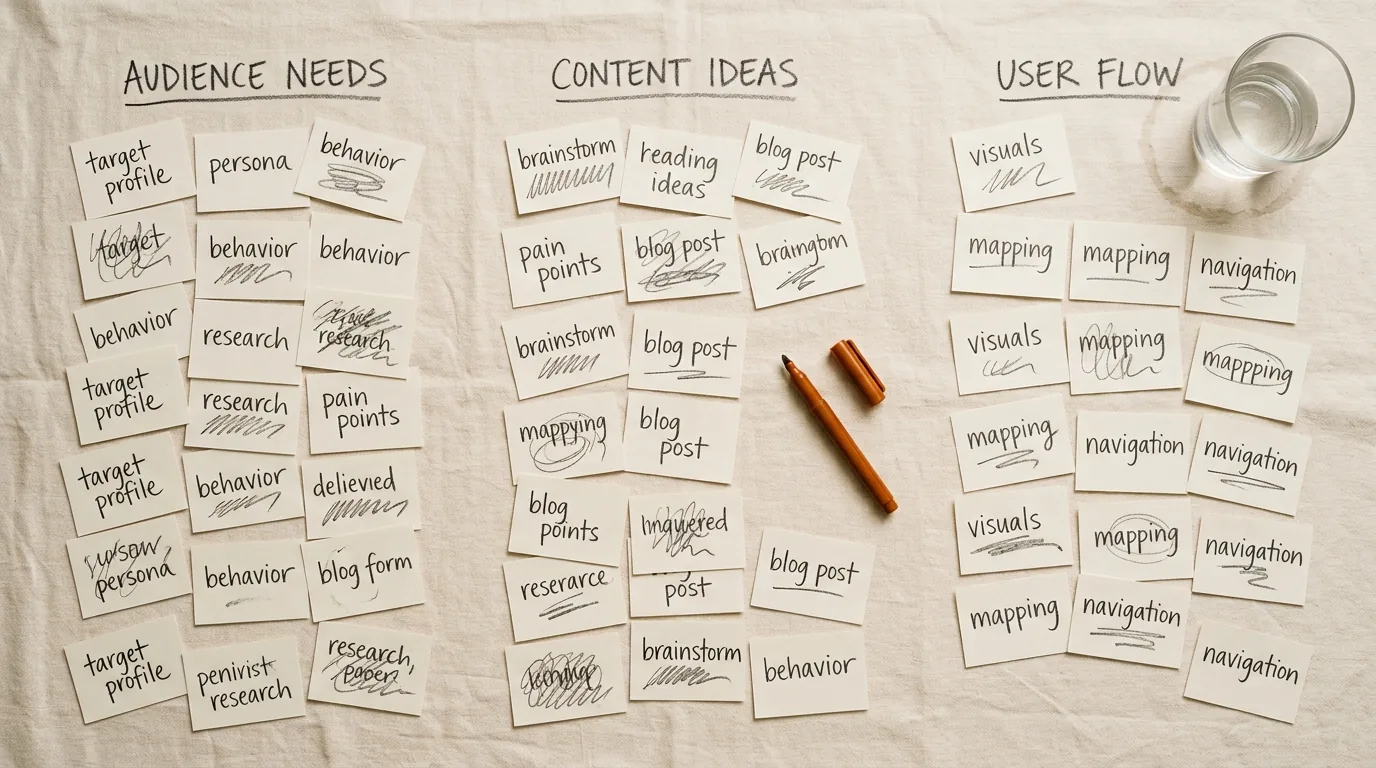
Paper cards with pencil notes grouped into columns during keyword planning
Reading the columns

What each column means, and how much to trust it

Two of these columns are genuinely useful for SEO, one is actively misleading, and the rest are context. Knowing which is which turns the tool from confusing to fast.

Google Keyword Planner data columns explained, with a reliability note for each
Avg. monthly searchesA bucketed range of searches for the term, or a group of similar termsDirectionally useful; the grouping inflates individual terms
CompetitionHow many advertisers bid on it: not how hard it is to rankIgnore for SEO. It is a paid-search metric
Top of page bidWhat advertisers pay per clickThe best free signal of commercial intent on this page
Three month changeRecent movement in demandUseful for spotting rising topics early
YoY changeMovement against the same period last yearBetter than the three-month figure for seasonal terms

Working around the ranges

Without ad spend, volumes arrive as buckets: 10–100, 100–1K, 1K–10K. Two keywords in the same bucket can differ by a factor of nine, which makes fine prioritization impossible on this data alone. Three workarounds get you most of the way.

  • Use the bid columns as a tiebreaker. Between two keywords in the same bucket, the one advertisers pay more for is usually the one with real commercial demand behind it.
  • Cross-check in Google Trends. Trends gives relative interest over time, which separates a rising term from a fading one inside the same bucket.
  • Check the SERP itself. If a keyword returns dedicated pages from serious sites, real volume exists regardless of what the bucket says.

Together those three replace most of what an exact number would have given you, for nothing. What they cannot replace is a ranking-difficulty score, which is genuinely absent here and is the main reason to eventually pay for something.

What it is genuinely best at

Two things, both underrated. First, idea generation from a seed term or a competitor URL.

The suggestion engine draws on Google's own query data and regularly surfaces phrasings no third-party tool suggests. Second, seasonality: the twelve-month trend and year-on-year columns show when demand actually peaks, which matters enormously for anything seasonal and is often flattened into an annual average elsewhere.

It is also the honest baseline for judging paid tools. When a subscription's volume estimate differs wildly from Google's own bucket for the same term, that is worth knowing before you build a content plan on it.

Use it for this

  • Building a first keyword list on a zero budget.
  • Finding phrasings you had not considered from a seed term.
  • Checking seasonality before committing to a topic.
  • Sanity-checking a paid tool's numbers against Google's own.

Do not use it for this

  • Judging how hard a keyword is to rank for. That column is about ads.
  • Precise volume comparison between similar terms.
  • Finding purely informational, zero-commercial topics; it downplays them.
  • Deciding a keyword is worthless because the bucket looks small.

The signup flow is designed to end with your card details. You can decline every step of that and still use the tool for free.

SideIncomeHQ editorial
Why this matters

If you got stuck at the billing screen, you did not hit a paywall, you hit a funnel. The route moves; the free tool behind it does not.

The free workflow

A complete keyword workflow that costs nothing

Keyword Planner alone is half a process. Combined with two other free sources, it is a genuinely workable research routine.

Step 1

Generate with Keyword Planner

Seed it with three or four terms describing what you do, plus a competitor URL. Export everything.

Do not filter yet. The point of this step is breadth.

Step 2

Sort with Trends

Run your shortlist through Google Trends to separate rising from fading, and to see whether a term is seasonal. This is the step almost nobody bothers with.

Step 3

Judge on the SERP

Search each finalist. Who ranks, how good are they, and is there an obvious gap? That five-minute look tells you more about difficulty than any score, free or paid.

When to stop using it as your main tool

Three signals. You are choosing between keywords inside the same bucket often enough that the ranges are costing you time.

You want a difficulty score and are tired of judging every SERP by hand. Or you are publishing enough that research has become the slowest step in your week.

At that point a budget tool earns its money. And none of that makes Keyword Planner redundant. It remains the free check on whatever you subscribe to, and the only volume source that comes from Google rather than from a model.

Where this fits in the wider stack

Keyword Planner is the free rung of the research ladder in our the keyword tools compared guide and part of the free stack. When the ranges stop being enough, Mangools is the usual next step. For the workflow these tools plug into, read finding keywords that are worth the work.

Where this sits
The spending ladder, bottom rung first
Free stack ($0): Search Console, GA4, Trends, Keyword Planner. Budget suite ($11–49): Mangools, Ubersuggest, AnswerThePublic. Mid all-in-one ($49–129): SE Ranking, Morningscore. Paid platform ($99–449): Ahrefs, Semrush, Surfer The highlighted rung is free.Paid platformAhrefs, Semrush, Surfer$99–449Mid all-in-oneSE Ranking, Morningscore$49–129Budget suiteMangools, Ubersuggest, AnswerThePublic$11–49Free stackSearch Console, GA4, Trends, Keyword Planner$0YOU ARE HERE
Rung one for research. The ranges are the limitation, not the data source.
Method

How we researched Keyword Planner

No multi-month hands-on trial of Keyword Planner sits behind this page, and nothing here implies one does. The figures come from the vendor's own published documentation and plan pages, checked in August 2026, read alongside the pattern of complaints and praise in public user reviews.

Our full sourcing standard, including the four claims we deliberately never make, is set out in our how these reviews are put together.

The commercial part, stated plainly

  • There are no affiliate links on this page. The tool it covers is free.
  • The order of our recommendations is not for sale, and never has been.
  • Full terms are in our disclosure policy.
FAQ

Google Keyword Planner: your questions, answered straight

Do Keyword Planner numbers describe organic clicks?

No. The figures are advertiser-facing: they describe ad demand, and the forecasts assume paid spend, so they overstate what an organic page will see. Use them to compare terms against each other, never as a traffic projection for a blog post.

Is it the only volume source that comes from Google itself?

It is the only widely used one. Every other volume figure you will see is a third-party estimate modeled from clickstream data, which is why two tools rarely agree on the same keyword.

Is Google Keyword Planner free?

Yes. You need a Google Ads account to access it, but you do not need to create a campaign or spend anything. During signup, choose the option to switch to expert mode or skip campaign creation: Google's flow pushes you toward launching a campaign, and you can decline it and still reach the tool.

Why does Keyword Planner show ranges instead of exact search volumes?

Because it is an advertising tool, and Google reserves precise data for accounts spending money. Without active spend you see bucketed ranges: 10 to 100, 100 to 1K, 1K to 10K. Those buckets are wide enough to be frustrating: a keyword at 100 and one at 900 look identical. The workaround is to compare relative ranges and use the trend and bid columns to break ties.

How do I get exact search volumes without paying?

You cannot, honestly. Running even a small campaign unlocks precise figures, which is why some SEOs keep a minimal spend running. The alternatives are a third-party tool with modelled volumes, or accepting the ranges and prioritizing by other signals: bid values, trend direction, and whether the term appears in autocomplete and People Also Ask. Any guide promising exact free numbers is describing a tool that does not exist.

Is Keyword Planner accurate for SEO?

It is accurate about what advertisers see, which is not identical to what SEOs need. It groups closely related terms into one volume figure, which inflates individual keywords. It shows a competition score that reflects ad bidding, not ranking difficulty. The single most misread number in the tool. And it downplays informational terms with no commercial value, which are often exactly what a content site wants.

Keyword Planner or a paid keyword tool?

Start here, then upgrade when the ranges become the thing slowing you down. Keyword Planner's volumes come from Google itself, which is a real advantage over modelled third-party estimates, but the bucketing makes fine-grained prioritization impossible. A budget tool like Mangools costs about $29 a month and gives you a specific number plus a ranking-difficulty score, which is the piece Keyword Planner genuinely lacks.

What is the competition column actually telling me?

How many advertisers are bidding on that keyword, on a low/medium/high scale. It says nothing about how hard the term is to rank for organically. High-competition keywords in Keyword Planner are often commercially valuable and organically winnable; low-competition ones are frequently informational terms with strong content already ranking. Treat it as a commercial-intent signal and nothing more.

Can I use Keyword Planner without an Ads account?

No, the account is mandatory. Creating one is free and takes a few minutes; the friction is that Google's onboarding is designed to get you to launch a campaign. Look for the option to switch to expert mode or to skip campaign creation, and no billing details will be charged.

What is the best free alternative?

Nothing replaces it exactly, but three things fill the gaps. Google Trends shows relative demand over time and seasonality with far more nuance. The search results page itself (autocomplete, People Also Ask, related searches) is a live keyword tool nobody bills for. And Search Console shows what you already rank for, which is usually the most actionable list of all for an existing site.

Free research, done properly

Keyword Planner, Trends and the search results page together cover most of what a small site needs. See the whole free stack before you subscribe to anything.

See the free stack

Sources

  1. Keyword PlannerGoogle Adsread 2026-09-05
  2. SEO Starter Guide: The BasicsGoogle Search Centralread 2026-09-05

Recheck a keyword list every 6 to 12 months, because Planner's ranges move with advertiser demand rather than with your rankings (per the guidance above).

Want your tool or offer in front of this audience?

We take a small number of sponsored posts and advertising placements each month, every one of them labelled. Tell us what you are promoting and we reply within two business days with rates and the next open slot. Everything we publish sits on SideIncomeHQ, and the archive is open before you decide.

Enquire about a sponsored post

Rates and formats come back with the reply. Every placement is labelled.

Advertise with us